
How to Search Cases by Name
The free Alamosa-filtered Judicial Branch Docket Search shows scheduled events for a person, a business, or an attorney. Remember it is a calendar search. It is not a complete name index. Keep Alamosa County selected, then choose County Court, District Court, or both. Pick the individual route for a first and last name, the business route for an entity, or the attorney route for a name or bar number. The interface requires a date range plus at least one more filter, so add both before you search.
Precision helps, but only up to a point. Spelling, the business-versus-individual choice, court type, and the hearing window all shape the results. One case can produce several rows when parties are displayed together, so count cases, not rows.
- Open the official docket search and retain Alamosa County or Alamosa Combined Court as the location.
- Choose individual, business, or attorney, then enter the matching name fields.
- Select County, District, or both and set a date range from today through six months or a specific date.
- Compare the case number, hearing type, location, and courtroom before relying on a match.
- Ask the Alamosa clerk for an ROA or filed document when the calendar is not enough.
| Field Label | Type | Required | Notes |
|---|---|---|---|
| First and Last Name | Text | Optional | Used for an individual party search. |
| Business Name | Text | Optional | Appears after selecting the business route. |
| Court Type | Dropdown | Optional | Both, County, or District. |
| Date Range | Dropdown | Yes, plus another filter | Six months, three months, one month, one week, today, or a set date. |
| Attorney | Text | Optional | Name or Colorado bar number route. |
Alamosa County Case Search Layers
Each Colorado system is its own layer. A search makes more sense once you treat them that way. The Judicial Branch docket answers when and where an event is set. CoCourts sells real-time name-index and Register of Action data. The state calls vendor data nonofficial and warns it can have gaps. For an official ROA, a pleading, an order, a judgment, a certified copy, or an older file, the Clerk of Court at Alamosa Combined Court remains the source.
E-Filing adds another layer. Colorado Courts E-Filing receives filings from attorneys and from supported self-represented parties. It is not an open public case-image search. The Colorado Courts E-Filing page lays out that entry point and its scope.
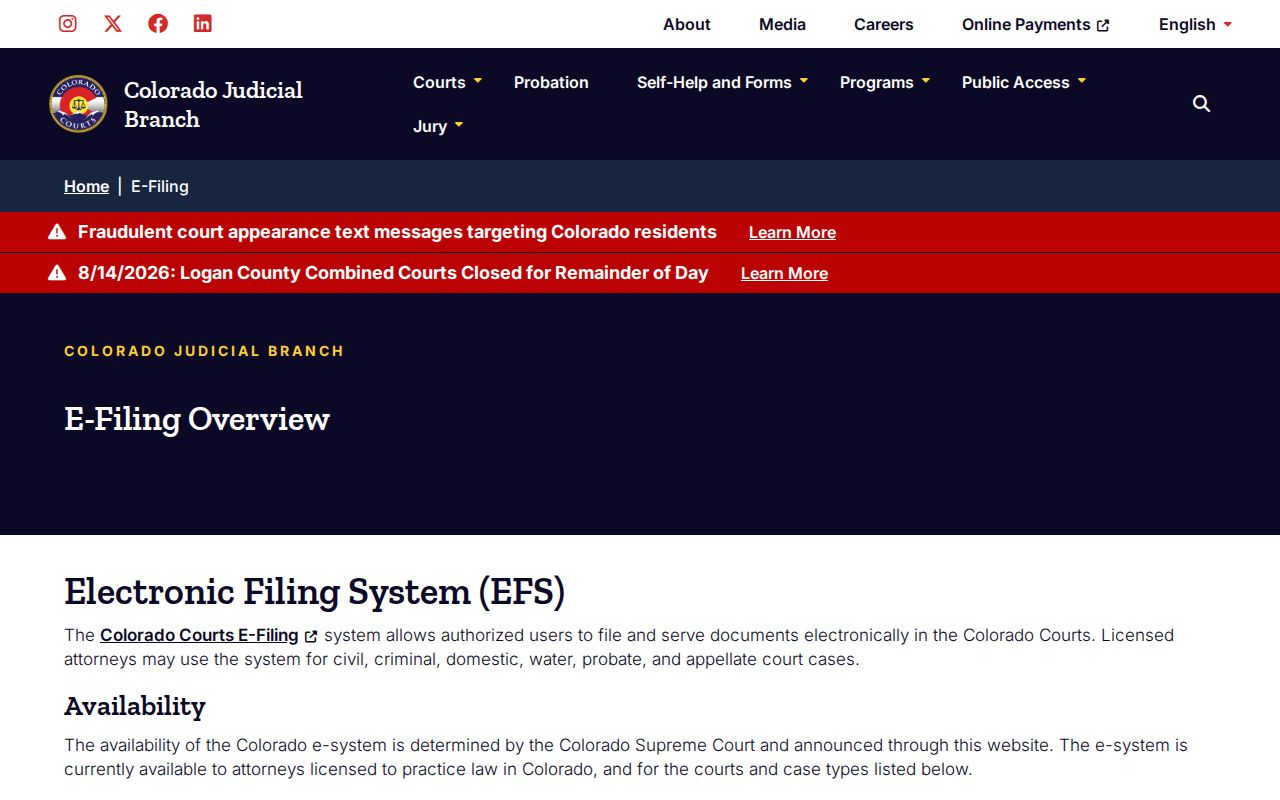
A filer signs in with credentials. That authenticated access is one thing. An open Alamosa County case search is another, and the two should not be confused.
How to Search by Case Number
A Colorado state case number has three parts: a four-digit year, a case class, and a numeric sequence. The record form offers 2019T999999 as a traffic example. Enter the parts in the matching Docket Search fields instead of pasting one long string into a name box. Classes route the matter. CR usually marks district criminal, and T marks traffic. C, CV, and S cover civil tracks. DR is domestic relations, PR is probate, and JV and JD are juvenile classes. CW is water.
The class does not tell you the hearing type. A T case might hold a first appearance, a trial, or something else. If a printed number does not match the class you expected, use the paper exactly as issued and call the clerk rather than rewriting it. The Alamosa Combined Court number is 719-589-4996. Staff can help you find the right case, though only the filed order controls what the court decided.
Alamosa County Search Without Results
A blank screen does not mean no Alamosa County case exists. Widen the date range first. Test both County and District court types, recheck spelling, and switch between business and individual. Then verify the year, the class, and the sequence. Anything set outside the six-month calendar window will not appear. CoCourts can omit a matter too. Older court records may need off-site retrieval.
Venue trips people up as well. City of Alamosa Code and municipal traffic matters stay with Municipal Court. Juvenile, sealed, suppressed, and some probate material may be closed to anonymous access, and eviction cases are automatically suppressed when filed under Colorado law. Anyone with authority to view a protected file should use the official request route. Bring government-issued photo identification if asked.
Zero-result check: Test venue, court type, date range, name mode, spelling, case class, and access limits before concluding that the case is absent.
Alamosa County Case Court Toggle
County Court and District Court share the Alamosa Combined Court building, but jurisdiction stays separate. County Court usually takes misdemeanors, traffic, small claims, evictions, and protection orders. Civil claims below $25,000 stay there too. District Court handles felonies, general civil matters, domestic relations, juvenile, probate, mental-health, and water cases.
When venue is unclear, search both court types. A shared street address does not merge the two. A County Court felony advisement can come before a District Court CR case.
What a Case Search Shows
An Alamosa County calendar result is an event record, nothing more. It lists the scheduled date, time, and duration. The rest of the row covers the displayed caption or name, case number, hearing type, Alamosa County location, appearance type, and courtroom. The interface also offers printable and export options. Results are paginated. Those fields confirm a setting. They do not show the full filing history or the text of an order.
| Case Number | Four-digit year, class, and sequence, such as 2019T999999. |
|---|---|
| Date and Time | The scheduled court event, subject to later reset or cancellation. |
| Hearing Type | A label such as first appearance, pretrial conference, status conference, or court trial. |
| Appearance | In person, virtual, or blank when the field is not populated. |
| Location | Alamosa County plus the assigned courtroom or division when shown. |
| ROA Detail | Not supplied by the free calendar; request or use the proper ROA channel. |
Before any consequential date, compare the newest notice or order with the event and confirm with the clerk. A virtual-room link is not permission to appear remotely.
Alamosa County Municipal Case Lookup
Municipal citations run on their own Alamosa County case-search track. The City of Alamosa Municipal Court is a court of record. It keeps its own files for City Code, parking, and municipal traffic matters. Its Tyler portal lets a searcher look things up several ways. You can use a citation number. A driver-license number with state works, or a Social Security number with date of birth. A vehicle plate and state, a first and last name with date of birth, or a business name also works. Never enter personal data on an unrelated service. The city-linked Tyler citation search offers lookup and payment on the court's own page. It is not a full ROA, filed papers, or certified records.
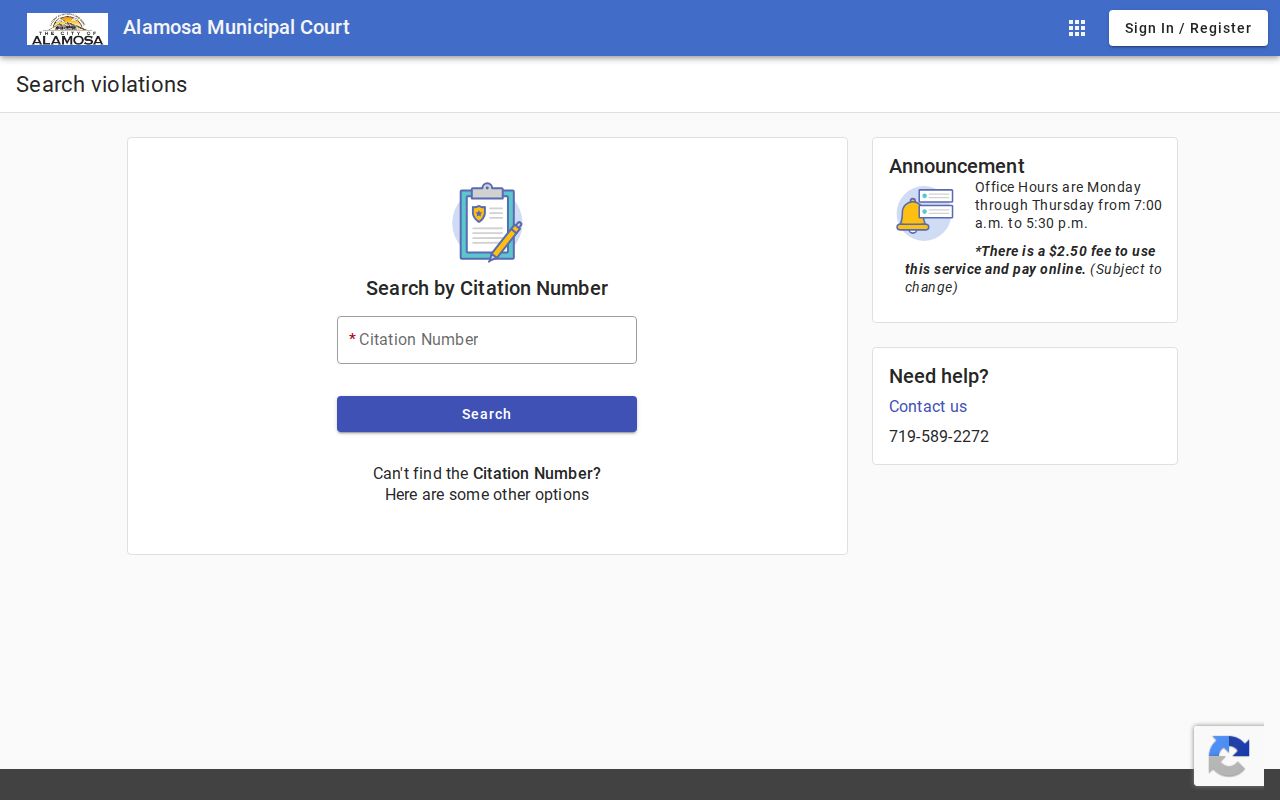
This screen answers a common puzzle. A municipal result may never show up in the statewide hearing calendar because the City Clerk, not the Combined Court, is the municipal custodian.
Alamosa County Case Class Meaning
Case class and hearing type answer different questions. The class names a category of file. CR, T, CV, DR, PR, and CW are examples. A hearing type, by contrast, labels one event inside that file, such as first appearance, status conference, trial, or advisement. Confuse the two and your Alamosa County docket search can come back empty or hand you a false match. So copy the class straight from the case number, then read the hearing-type field as its own fact about the scheduled event.
County vs Statewide Case Search
Alamosa County runs no broad county-only case database. State trial-court searching instead uses Judicial Branch and vendor tools filtered for Alamosa. The local clerk supplies the official records. So the real comparison is calendar versus chronology versus certified source. It is not one county portal pitted against an identical state portal.
| Channel | Best Use | Limit |
|---|---|---|
| Judicial Branch Docket Search | Free Alamosa County hearing lookup | Scheduled events, not the full case history |
| CoCourts | Paid name index or ROA | Vendor data is nonofficial and no documents are supplied |
| Combined Court clerk | Official ROA, documents, and certification | Request, fees, and access review may apply |
| Municipal Court | City Code and city citation matters | Separate city custody |
Once the goal shifts from locating a case to obtaining the paper behind it, turn to the Alamosa County court record search process. That is where certified copies come from.
Alamosa County Federal Case Search
Federal cases with an Alamosa County party never move through the Combined Court search. The U.S. District Court for the District of Colorado works through CM/ECF. The public reaches federal dockets through PACER. Bankruptcy records sit with the U.S. Bankruptcy Court for the District of Colorado. Federal appeals go to the Tenth Circuit. The federal docket controls which courthouse and jurisdiction apply. A party's county address does not. The PACER home page is where a federal account and case search begin.
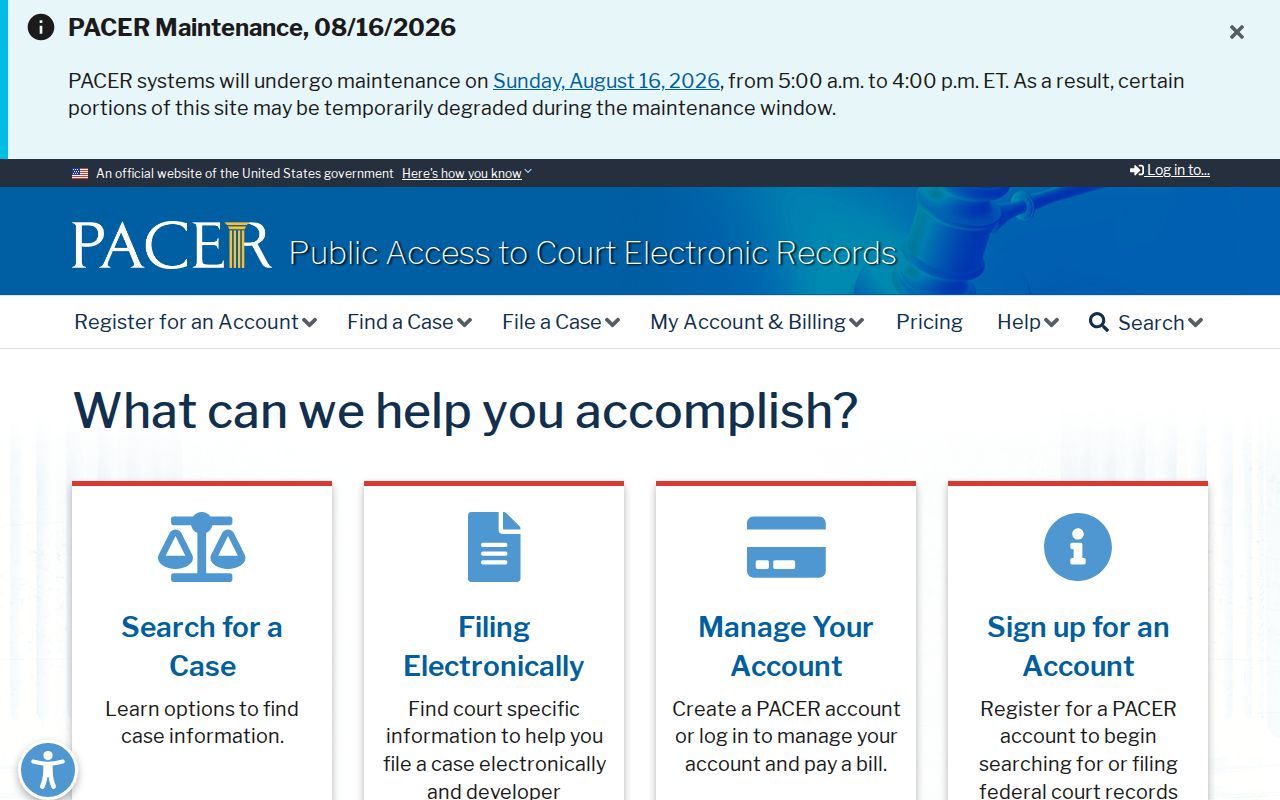
PACER registration and federal access fees do not match Colorado state record fees. A federal result also cannot be certified by the Alamosa clerk.
Alamosa County Electronic Case History
Electronic filing reached the Alamosa court system long before the public calendar did. District Court civil and probate e-filing began in 2004. Water Division 3 followed in 2005, and domestic-relations e-filing began in 2008. That timeline explains a lasting split. Many modern case events start as electronic submissions. Public document access stays controlled. The split is deliberate. CCE moves filings into an authenticated case environment. The Judicial Branch search publishes scheduled events. CoCourts summarizes the ROA for paid users, and the Alamosa clerk produces official papers. Older material can still need off-site retrieval. An electronic case number does not promise instant online images.
Alamosa County Case ROA Requests
Ask the clerk for an ROA directly in certain situations. Use it when the chronology must come from the court. Use it when a vendor result is missing. Use it when the case predates the public hearing window. Give the case number if known. Add party information, the filing year, and Alamosa as the county. The official form's ordinary response target is three business days unless circumstances extend the work. Off-site retrieval and access review can add time and cost. Keep that in mind before you plan around a quick answer.
Restricted Cases and Access Rules
Colorado court-case access follows the Colorado Judicial Branch court-record access framework. It is built on CJD 05-01 and P.A.I.R.R. 1. CORA governs many agency records. It is not the rule that opens a judicial case file. CJD 05-01 balances reasonable access against privacy limits, court orders, statutes, fees, and remote-access restrictions. Criminal-justice records carry their own limits under Colorado statutes. Children's Code records follow separate rules. Sealed cases, suppressed eviction records, juvenile material, protected personal information, and confidential portions can be hidden or limited. Public access never gives a clerk power to disregard a sealing order. Parties, counsel, and authorized people may see things anonymous users cannot. Direct questions to the Clerk of Court, Alamosa Combined Court. Name the case and the specific paper sought. Colorado's channels give useful public reference. But a recent reset or vendor entry deserves a check against the originating court. That is the sound way to track your own case, confirm a hearing, or follow a matter of public interest.